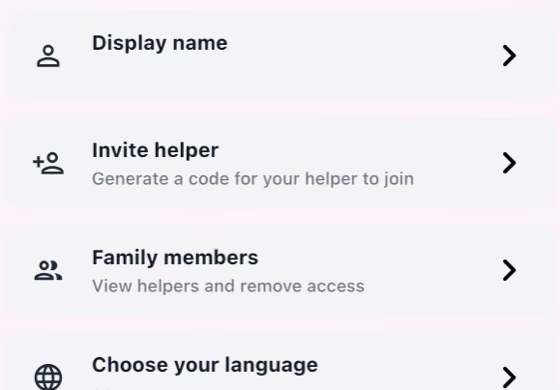
Employer creates the invitation
Open Profile, create or open the household, then generate an invitation code for the Helper.
A calmer way to run the household
MyRoutiq keeps tasks, shopping, rest days, pay records, guides, rules, chat, and translations in one private household workspace.
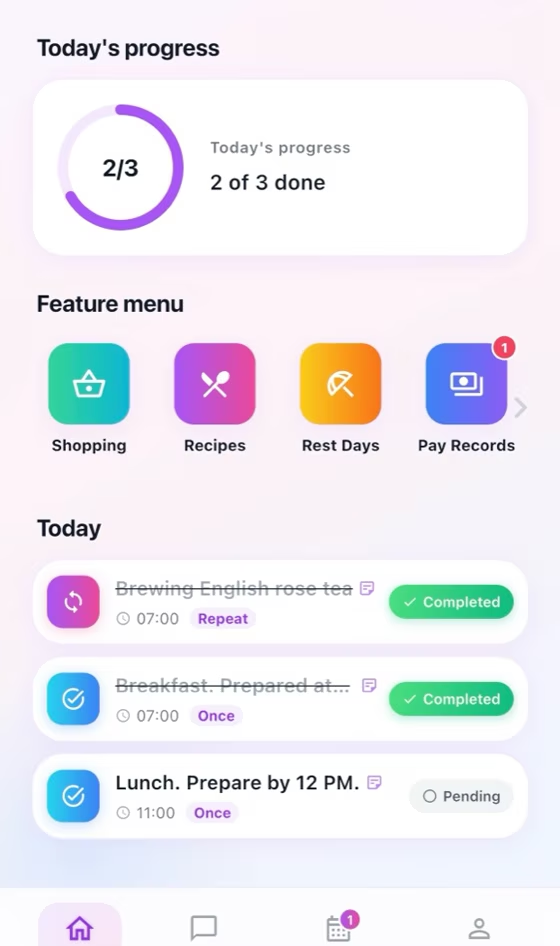
Built for both sides
Set clear expectations, respond to requests, and keep reliable household records.
Create the household and invite the correct Helper.
Set tasks and guidance, then review requests and progress.
Maintain rest-day and pay records with both sides informed.
Join securely, follow clear guidance, and keep requests and records visible.
Join the correct household with the private invitation code.
Review each task and upload completion evidence when required.
Submit requests and review decisions and pay records.
Core workflows
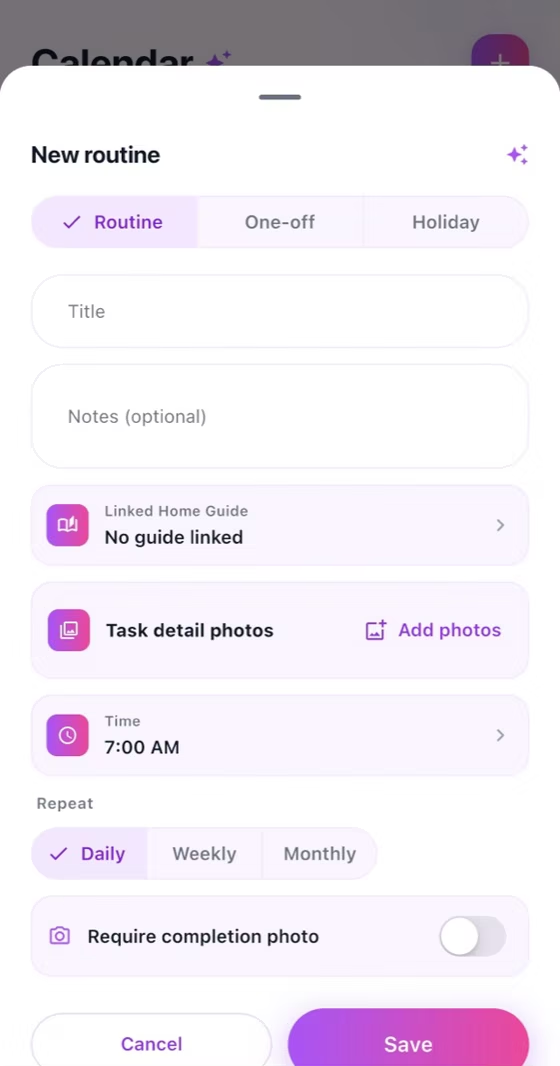
Set expectations
Define the work and document the household standard once.
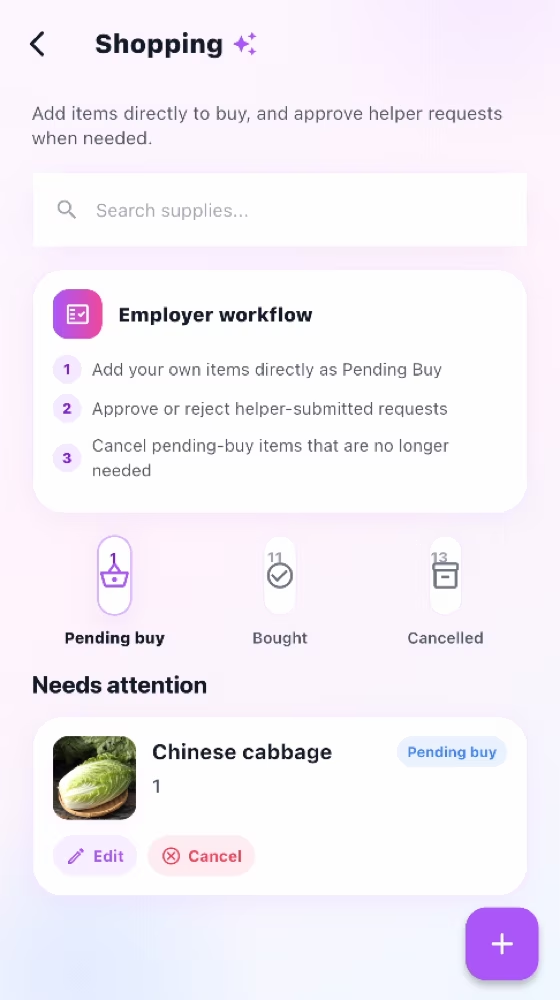
Keep both sides aligned
Handle everyday requests, shared information, and communication.
Keep a shared history
Make leave, pay, progress, and decisions clear over time.
Household matching
Open Profile, create or open the household, then generate an invitation code for the Helper.
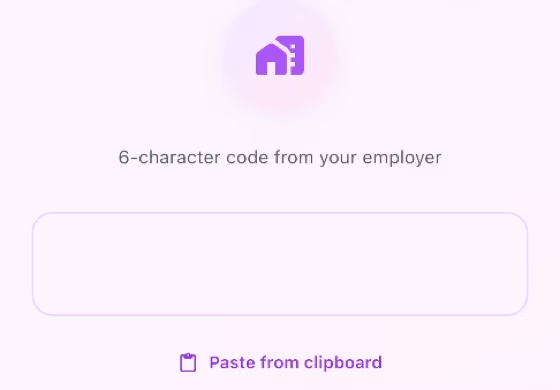
Sign in as Helper, enter the invitation code, and confirm the household name before joining.
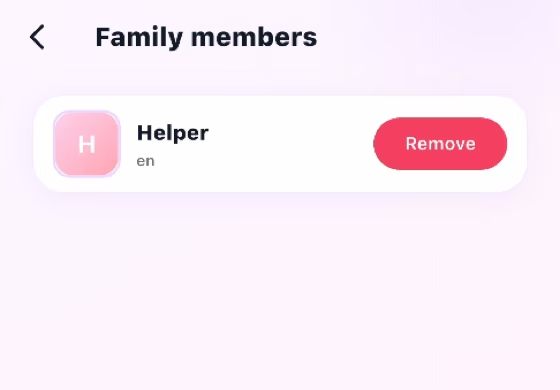
Open Profile > Family Members and confirm both roles appear in the same household.
Download
Choose your phone, scan the QR code, and install MyRoutiq from the official store.

Open the official MyRoutiq listing on the Apple App Store.
Open App Store
Open the official MyRoutiq listing on Google Play.
Open Google Play